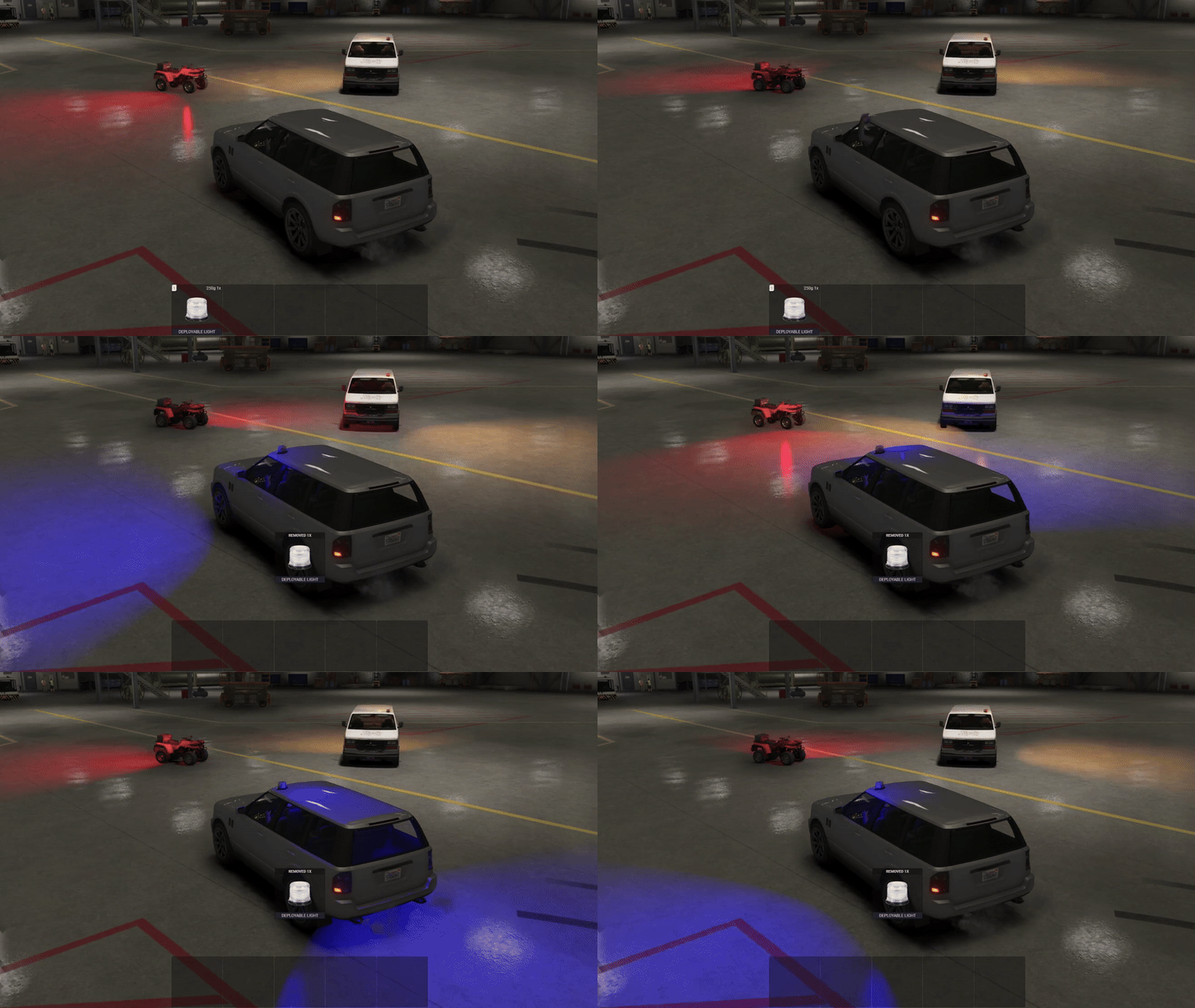
FiveM Bodybag Script
Add immersive post-death roleplay to your FiveM server with this bodybag script. Supports job/item requirements, client...
Key Features
Works with ESX • QBCore • Qbox
Available in a bundle!
Save 30% when you purchase this package as part of the Pepperspray, Police Shield & Bodybag Bundle.
View bundleWhat's included:
- Full script files
- Configuration files
- Installation documentation
- Lifetime updates
- Discord support
Overview
Do you want to bring more immersive roleplay to your server, even after the death of a player? This bodybag script might be the addition you are looking for.
Features
- Will work on any framework and only requires a target system to interact with dead players.
- Optional job and/or item requirement before placing a bodybag.
- Uses statebags for seamless synchronization between clients, the script can even be restarted when in use without causing problems.
- Bodybags can be removed as well (this feature can also be disabled).
- Exports and events are available to add or remove bodybags through other scripts, enabling easy integration into your server.
- Highly configurable, bridge functions also enable you to edit the most important code.
Resmon: 0.00ms
Installation
After purchase, download the resource from portal.cfx.re (Assets > Granted Assets), add it to your server resources folder, and ensure the resource in server.cfg.
Step-by-step setup, configuration, and dependency details are in the install guide for this script.
Configuration
All scripts include easy-to-edit configuration files. Common settings include:
- Language/localization options
- Feature toggles
- Price and economy settings
- Notification preferences
Dependencies
This script requires the following dependencies to function properly:
- Any targetting script (ox_target or qb-target)
Make sure to install and start all dependencies before installing this script.
Escrow vs Source: Which Should You Choose?
Escrow (Encrypted)
Best for server owners who want plug-and-play functionality.
- Protected code files
- Easy configuration via config files
- Same features as source version
Source (Unencrypted)
Best for developers who need full customization.
- 100% editable code
- Full customization freedom
- Same features as escrow version
Same features; editability differs.
What others say
"this script is amazing plus the support they give is non comparable to others, they fast and very experienced in support and with their scripts. a mus..."
- ByteCore_Dev
See more scripts on the FiveM police scripts page.