Free FiveM Emergency Lights & Sirens (ELS)
A free, open-source FiveM ELS script. Optimized for performance with immersive lighting, a custom user interface, and ma...
Key Features
Works with ESX • QBCore • Qbox
What's included:
- Full source code
- Configuration files
- Installation documentation
- 100% editable code
- Discord support
Pairs well with this script
Deployable Emergency Vehicle Light
From $12.99
Use code WELCOME15 at checkout for 15% off your first order.
View Deployable Emergency Vehicle LightOverview
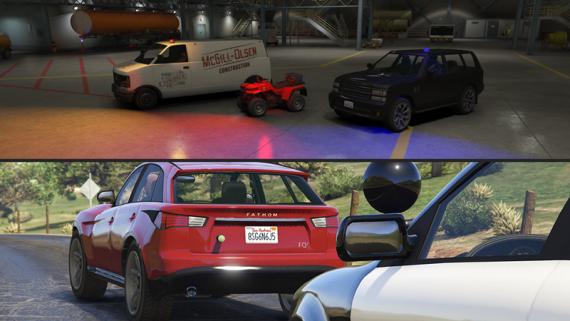
There are quite a lot of ELS-variants available these days, mostly paid versions; which are often overpriced, lacking in features, badly optimized and don’t bring an immersive feeling to the drawn lights. This script looks to tackle these problems, in a compact and comprehensive way, offering a free open-source alternative for your server to handle vehicle lights and sirens.
Features
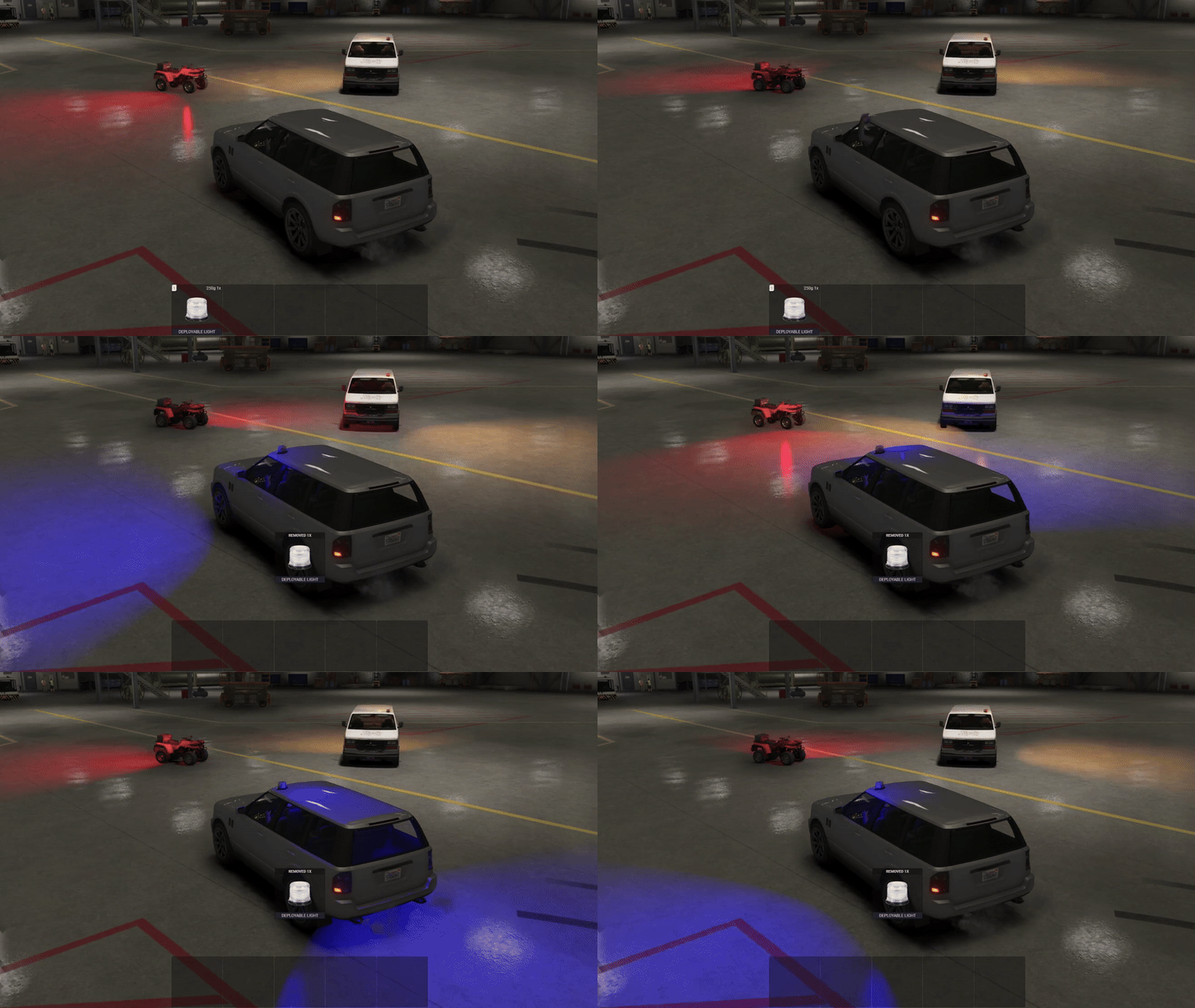
Vehicle lights and sirens are fully synchronized between players and optimized for performance.
Immersive lightning, the emitted lights are drawn in the direction of the light source, creating a realistic feeling.
A comprehensive and compact user-interface, indicating the current status of the lights/sirens.
Players seated in the front can simultaneously control the vehicle lights/sirens (configurable).
Fully standalone for easy integrated into any server.
A debug-mode, which allows you to configure the emergency lights of a vehicle whilst in-game. No need to notoriously configure the positions and directions of a light in the configuration file. The end of the showcase video shows how to fully configure a vehicle.
Optimized, the script only physically draws the lights of the closest vehicles (amount can be configured) maintaining low resmon. If ~15 vehicles are closeby, the resmon will only be around 0.23 ms whilst still drawing the lights of the closest 5 vehicles (idle is 0.0 ms).
Light intensity automatically adapts to the time (optional), increasing during the day for better visibility.
Hazard and indicator lights are also included and fully synchronized, supports custom (server-sided) sirens, supports key-mapping and much more.
Installation
- Download the resource from GitHub using the link above
- Extract the files and move the resource folder to your server's resources directory
- Add to server.cfg by adding:
ensure resource-name - Restart your server to load the resource
- Configure (optional) by editing the config.lua file in the resource folder
Configuration
All scripts include easy-to-edit configuration files. Common settings include:
- Language/localization options
- Feature toggles
- Price and economy settings
- Notification preferences
What others say
"Script are really well-made, code is well-structured, congratulations my friend! Not just for this one, but all your other free scripts are well done."
- vRP-Masquantis
"This looks really nice - I remember back when ELS scripts were hard to use, glad to see you make it easy to use!"
- PickleMods
"Thats some good work, good release"
- Brave_developement
See more scripts on the FiveM police scripts page.